


I’ve been using AI tools for a while now, and one thing I’ve noticed is how quickly the way we work with them is changing.
A while ago, you would open ChatGPT or Claude, type a question, get a response, copy the result, and move to another application to do something useful with it.
If you wanted to turn an idea into a project plan, you had to move it into a planning tool.
If you needed to organise information, you would probably open Excel or Google Sheets.
And if you wanted to understand what your business data was telling you, you needed a dashboard or someone who knew how to build one.
Anthropic is trying to reduce some of that back-and-forth.
On November 10, the company announced three new ways to work inside Claude: Claude Whiteboards, Claude Sheets and Claude Data.
Whiteboards and Sheets are currently in beta, while Claude Data, previously known as Claude Dashboards, is now generally available.
All three are available on paid Claude plans. Anthropic’s announcement.
I spent some time looking through what these tools offer and thinking about where they could be useful in everyday work.
There are some interesting possibilities here, especially if you spend a lot of time organising ideas, working with spreadsheets or trying to make sense of information.
Let’s get into it.
1. Claude Whiteboards: Turn scattered ideas into something you can actually work with
Think about the last time you had a really good idea.
You probably opened a notes app, wrote down a few thoughts, added some bullet points, and started connecting different things in your head.
Then you realised you needed a proper plan.
Perhaps you wanted to organise the idea into different stages, identify the tasks involved, assign responsibilities or work out what needed to happen first.
That’s where Claude Whiteboards comes in.
Claude Whiteboards is a shared digital workspace where you can brainstorm with Claude and organise your thoughts visually.
You can explain an idea to Claude, talk through a messy plan or add your own notes. Claude can then arrange the information into a visual board, grouping related ideas and creating things like timelines, tasks, owners and deadlines.
You and other people can also work on the same board together in real time.
The cool part is that you can continue interacting with the board after Claude creates it.
You can select a particular section and ask Claude to explain it, expand on an idea, reorganise information or make changes.
When you’re finished, you can turn the board into a document or slide deck, or continue working in supported tools such as Miro and Lucid.
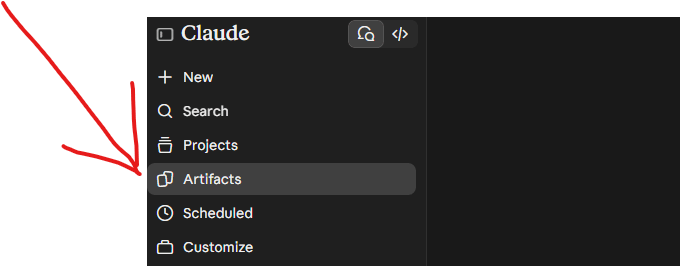
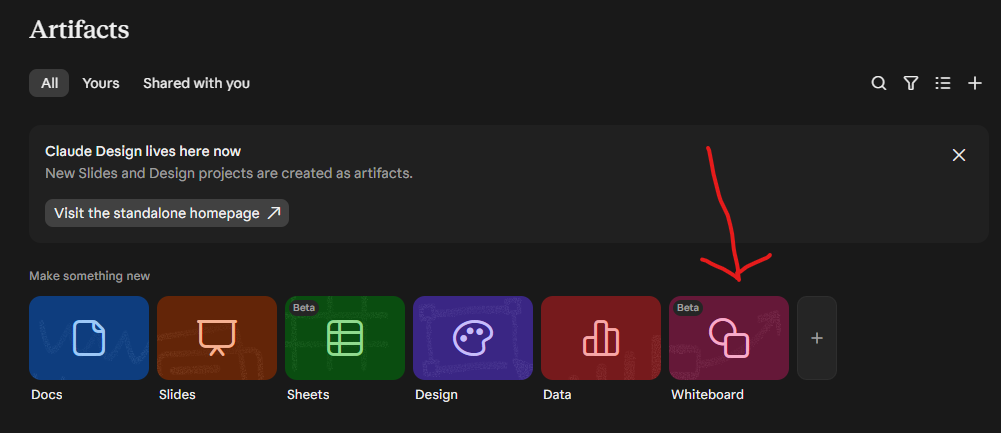
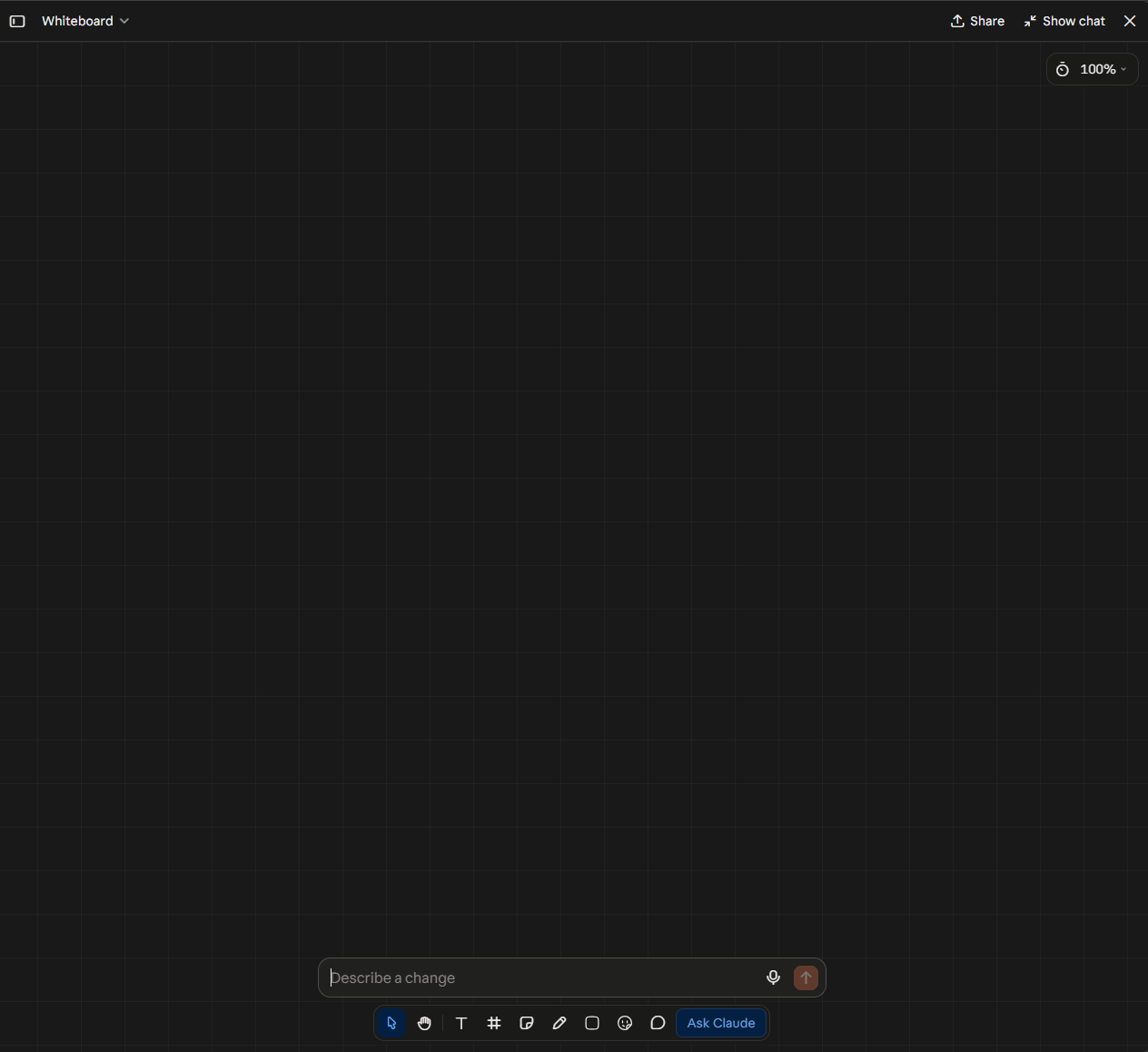
How can you actually use it?
A. Planning a business idea
Let’s say you’ve been thinking about starting an online business.
You have a rough idea of what you want to sell, who your customers might be and how you intend to make money.
The problem is that everything is still in your head.
You can ask Claude to help you organise the idea into a visual business plan.
Here’s a prompt you can try:
I want to start an online business selling digital products to small business owners.
Help me organise this idea into a visual business planning board.
Create sections for the target audience, customer problems, product ideas, pricing, marketing channels, competitors, launch strategy and key milestones.
Show how these sections relate to one another.
Identify the assumptions I need to validate before investing money into this idea.
Keep the board practical and easy to follow.
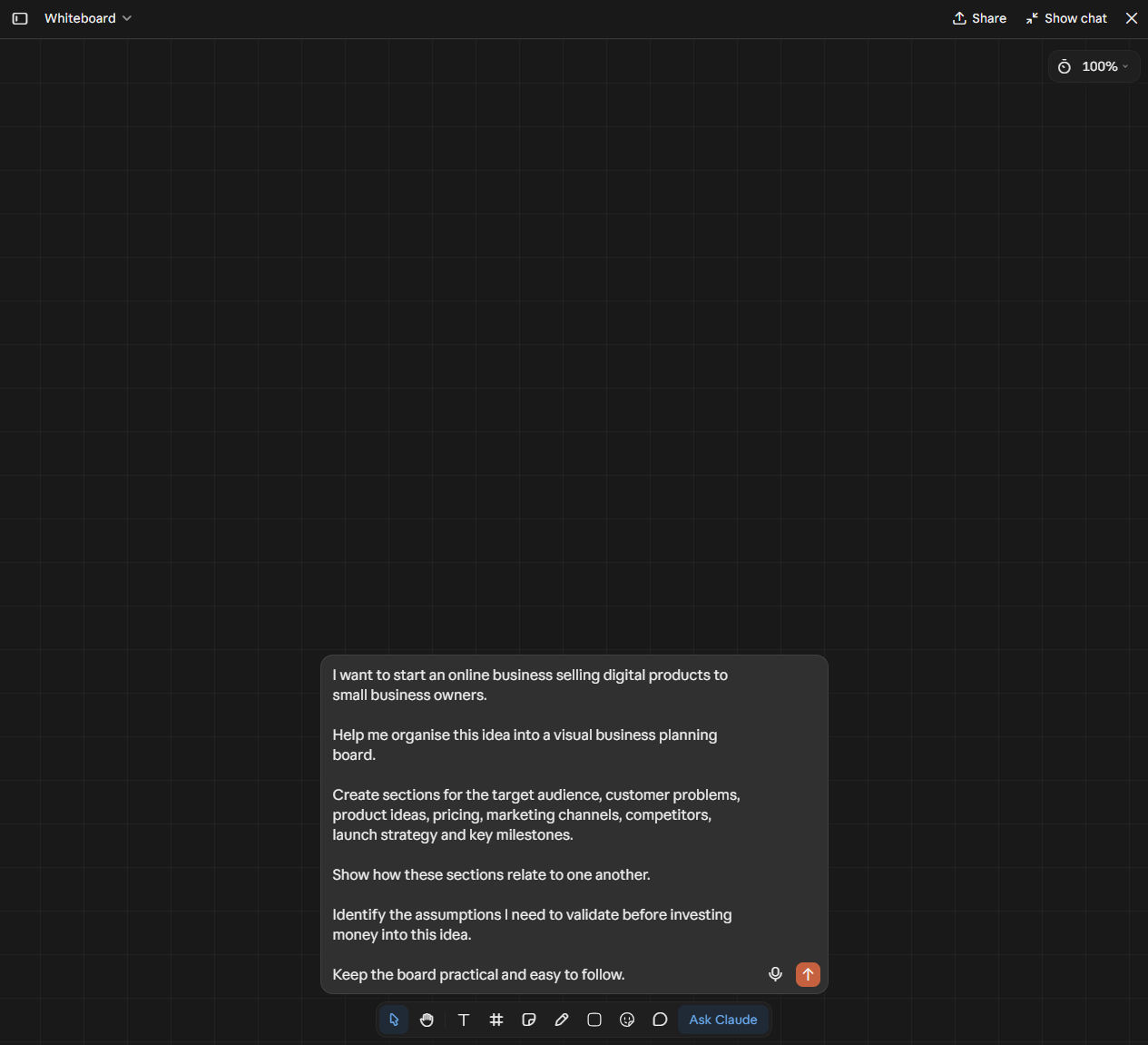
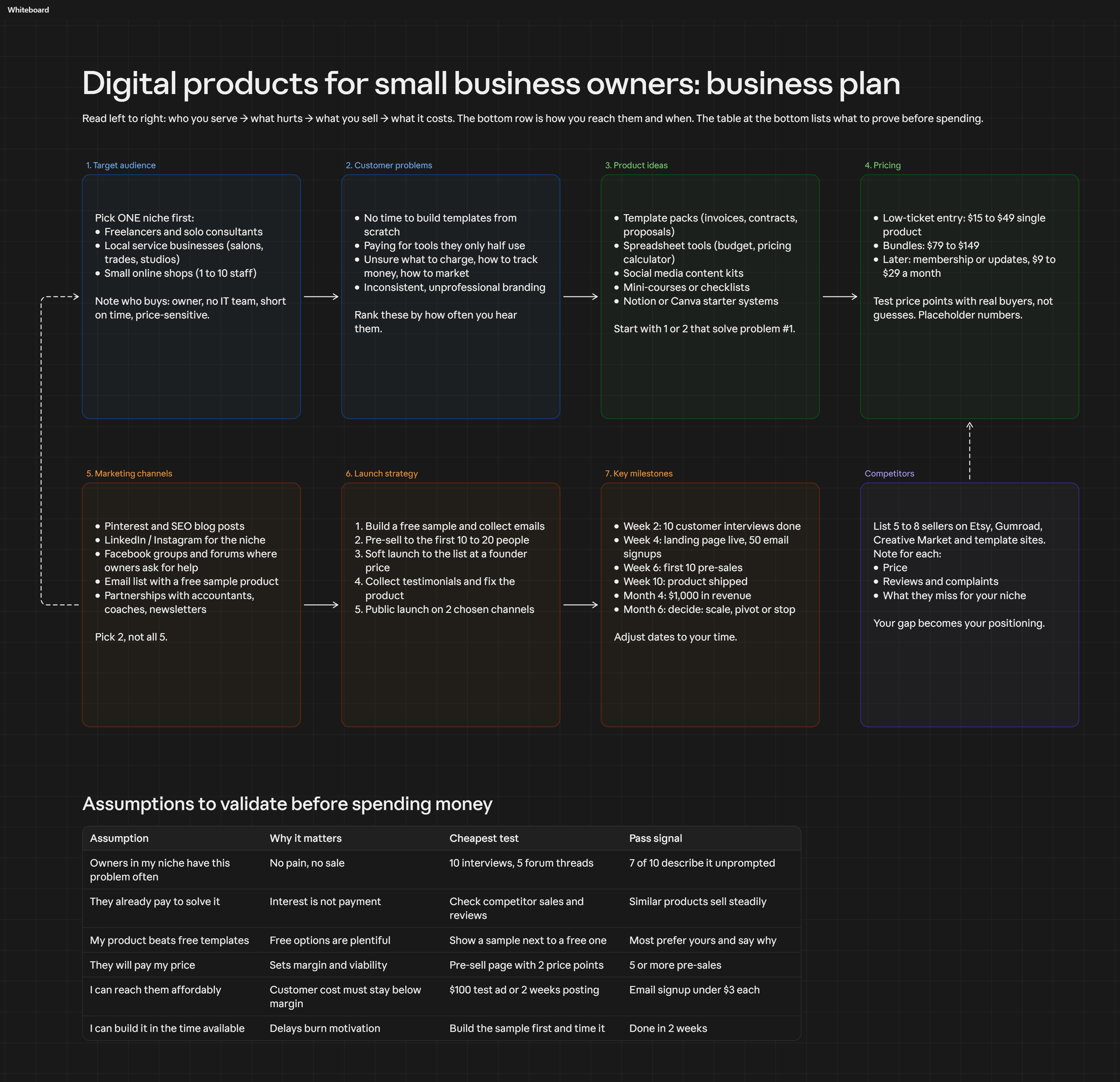
Instead of staring at a long response, you get a visual breakdown of the different parts of the business.
You can then ask Claude to expand the customer research section, add a launch timeline or identify the biggest risks.
B. Planning a project with your team
Imagine you’re managing a product launch.
There are different people responsible for marketing, design, sales, product development and customer support.
You could use Whiteboards to bring all these moving parts together.
Ask Claude to create a launch board with the key tasks, deadlines, dependencies and people responsible for each task.
During a team discussion, everyone can add ideas, move tasks around and update the plan.
At the end, you can ask Claude to summarise the decisions and produce a list of action items.
This is particularly useful when a project involves several people and everyone needs to understand what is happening.
C. Learning something complicated
This is another use case I find interesting.
Let’s say you’ve been trying to understand how AI agents work.
You could ask Claude to create a learning board that breaks the topic into smaller sections.
It might include how AI agents work, the role of tools, memory, planning, APIs, common use cases and limitations.
You can then arrange these concepts into a visual learning path, showing how one concept connects to another.
Instead of jumping between random articles, you have a structure to follow.
How I’d use Whiteboards for my own work
I spend a lot of time following developments in AI, collecting ideas and deciding which stories deserve more attention.
When I’m planning an issue of The Breakdown AI, I might have several interesting developments competing for attention.
One story could be about a new AI model, another about a startup raising funding, and another about a company releasing a new product.
I could use Whiteboards to organise these ideas into a content board.
For example, if I wanted to publish an issue about the rise of AI agents, I’d ask Claude to map out the different angles.
I’d want sections covering the companies building agents, the technology behind them, practical use cases, limitations, and what the developments could mean for businesses.
From there, I could identify the strongest angle and build an outline for the newsletter.
I could also use the same board to plan LinkedIn posts that come out of the research.
That means one research topic could give me several content ideas without having to start from scratch every time.
For creators, founders and anyone who regularly works with ideas, this could be a useful way to get thoughts out of your head and into a format you can actually work with.
2. Claude Sheets: Build and manage spreadsheets by describing what you need
If you’ve ever opened Excel or Google Sheets and spent the first 20 minutes figuring out how to structure your spreadsheet, you’ll probably appreciate this one.
Claude Sheets allows you to create and edit spreadsheets directly inside Claude.
You can describe what you want, and Claude can build the spreadsheet for you.
It supports multiple tabs, formulas, formatting and dropdown menus.
You can also ask Claude to make changes directly to individual cells. The changes are outlined so you can see what Claude has edited.
And because Sheets supports collaboration, you can share the spreadsheet with other people and work on it together.
The biggest benefit here is that you don’t have to know exactly how to build a spreadsheet before getting started.
You can explain the problem you’re trying to solve, and Claude can help create the structure.